This is a XTOOL EZ400 test report for Suzuki Super Vitra from our customer.It will show you how to use XTOOL EZ400 Pro to diagnose Suzuki Super Vitra.
Procedures:
Connect the XTOOL EZ400 Pro to the vehicle
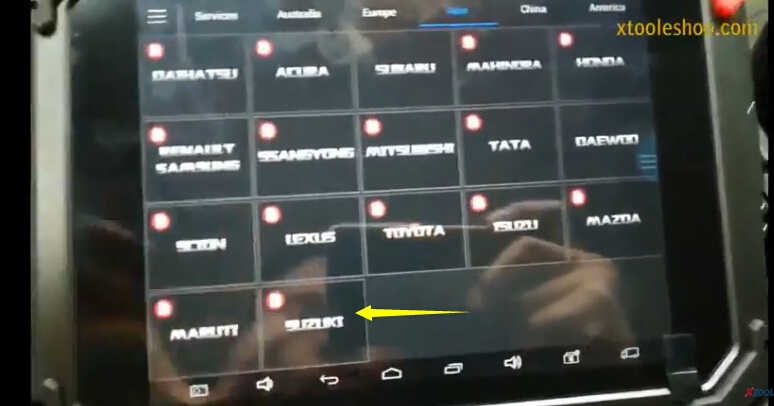
Enter the XTOOL EZ400 Pro vehicle menu to select “SUZUKI”
Select “Auto Scan”
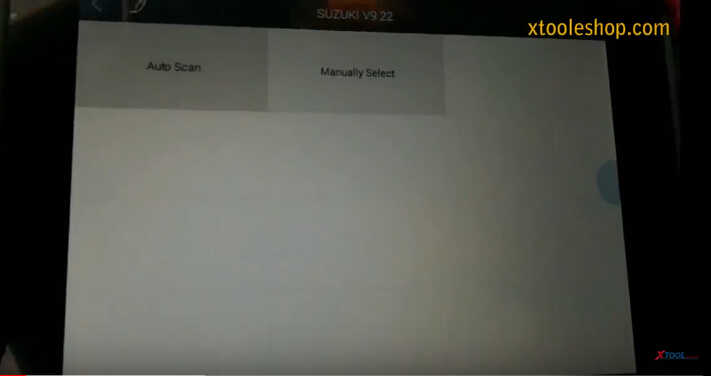
It will show you the systems fault information as below
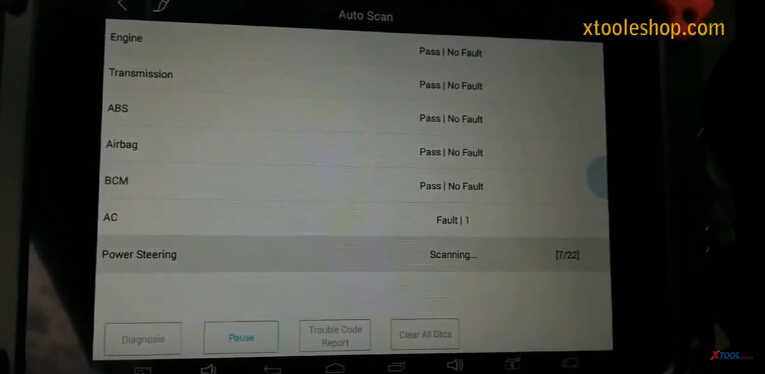
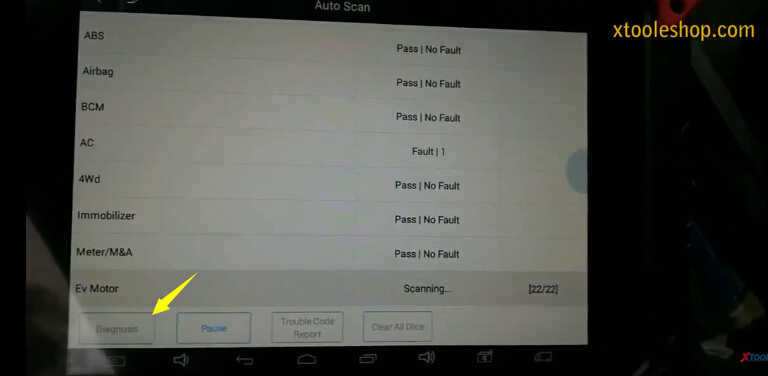
After scanning completing,click “Diagnosis”
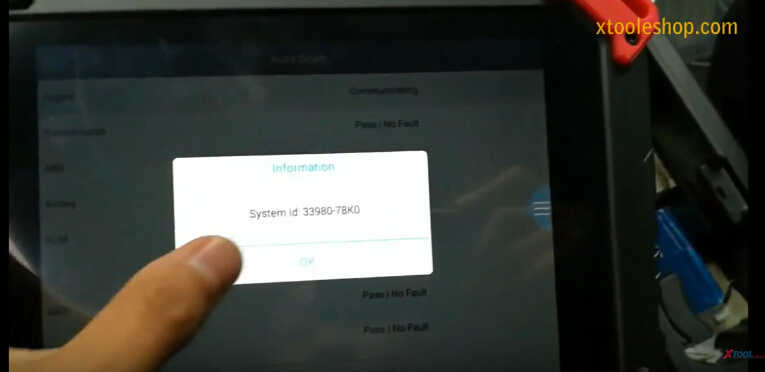
It will show the information as below,click ”OK” to continue
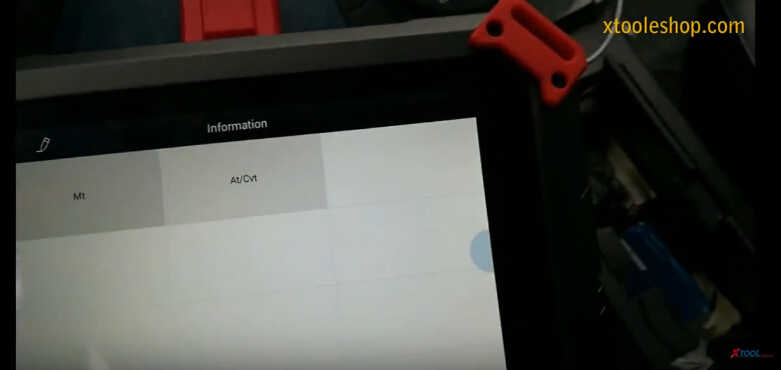
Select “At/Cvt”
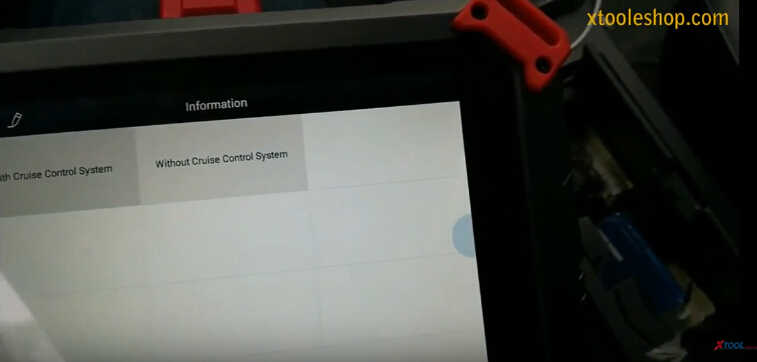
Select “Without Cruise Control System”
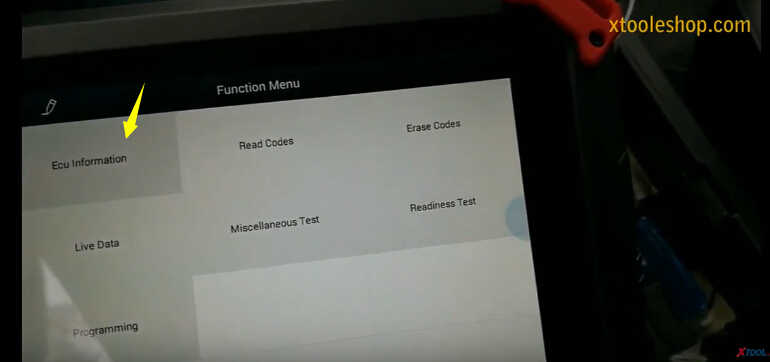
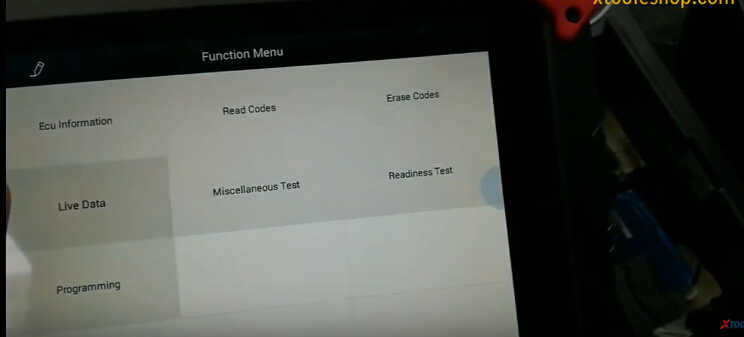
Select “ECU Information”
ECU Information
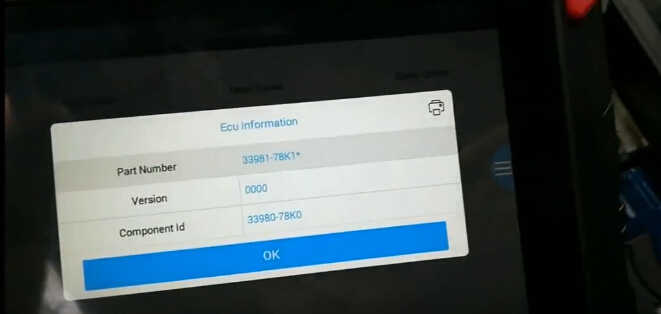
Click “OK” to continue
Select “Read Codes”
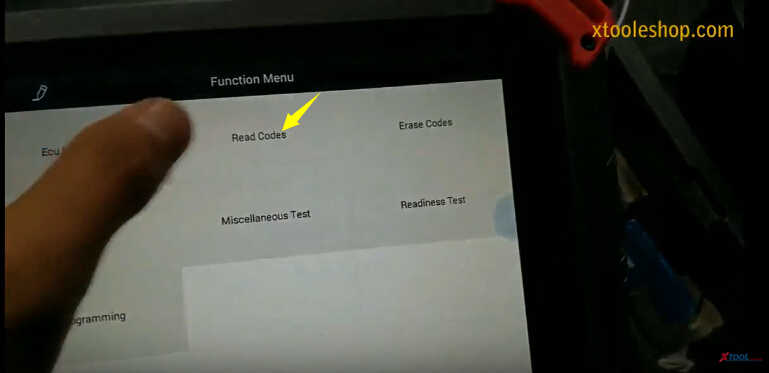
It prompt you that “No fault code present”
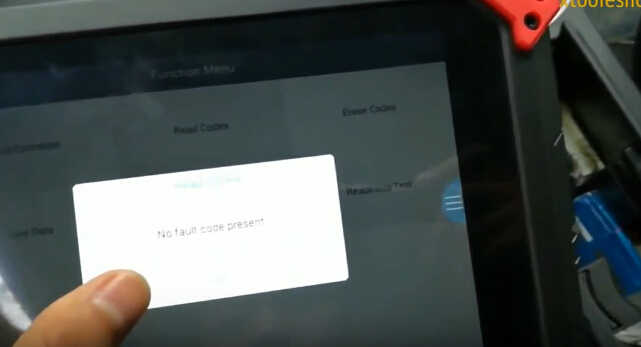
Erase Codes
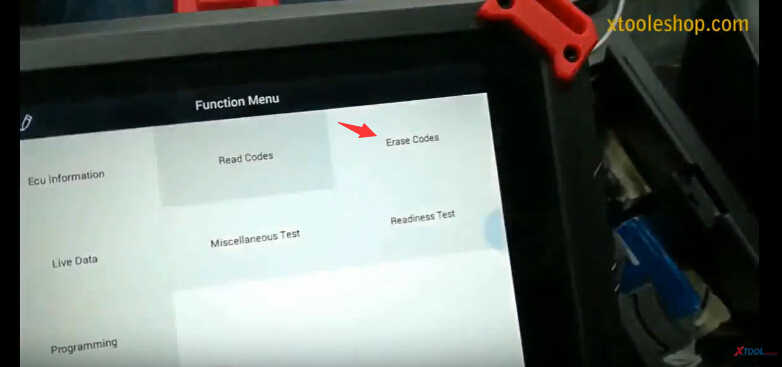
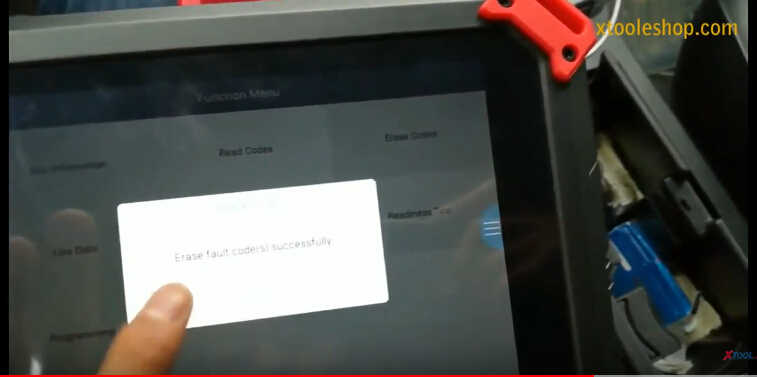
Erase fault codes successfully
Live Data
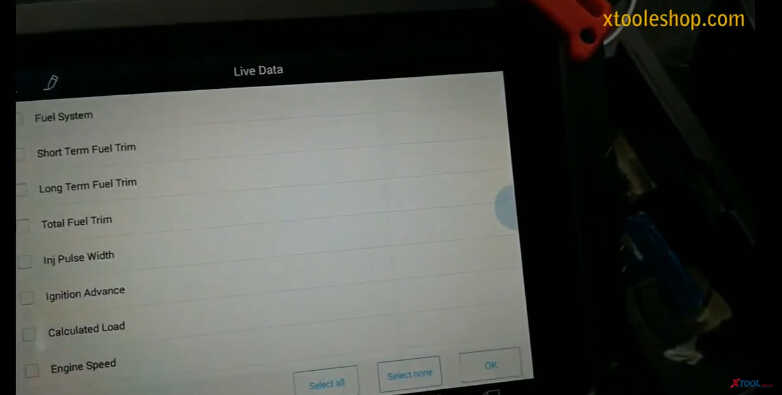
You can press options to operate the live data
Save to reference/Data playback/Pause/Graph
And you can back to “Auto Scan” result to select systems you want to diagnose,and check the systems information.
Source: http://www.xtooleshop.com/wholesale/malaysia-version-xtool-ez400-pro-bluetooth-scanner.html