Monthly Archive: June 2016

HOW TO UPDATE THE X SERIES?
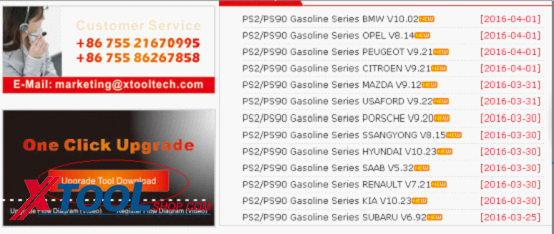
HOW TO UPDATE THE X SERIES Please visit our website: www.xtooltech.com by computer (Make sure that the computer is connected to the Internet). . And please find the icon of “One click Upgrade”as below: 3.Click the icon and then download it in your computer. Then you will find the icon of the update client software is on the desktop of your computer. 4.Click the icon and follow the instructions step by step until you see the icon on the desktop. 5.Click to open the Upgrade Tool. 6.Click “no account? register one”to sign up. 7.Fill in the blanks.(Serial number and Init Password is obtained from the interface when you first open the device.) Click “Next step”and fill out the blanks. Please remember the user name and password. 8.Take out the memory card from the scanner and insert it into the card reader and connect it to the computer. (Make sure that the write-protect of your memory card is off. 9.Go back to open the update tool again and input the user name and password then click login. You can also input the serial number as user name and the 8 digits number from“About” menu to login. After login, you will find below interface and Click “(Un)Sel”to select the software and click “Upgrade 11.After finishing the updating, please insert the memory card back to the scanner and then you can use the new software.
How to choose OBDSTAR X100 Pro Auto key programmer?

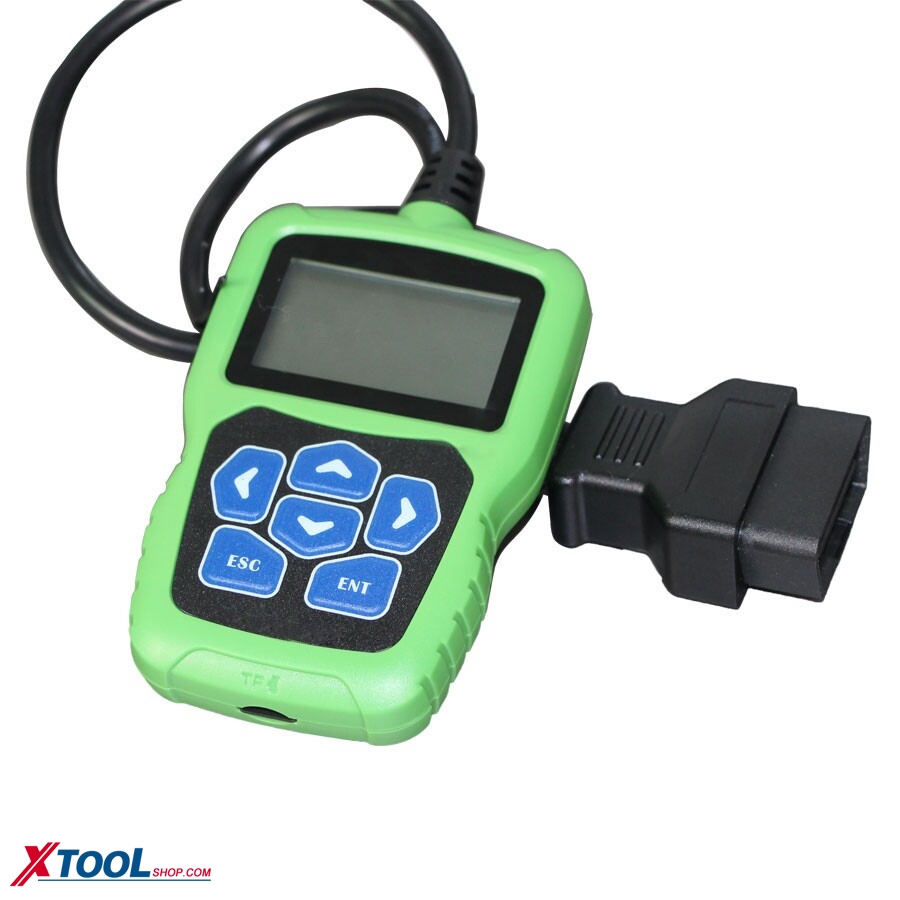
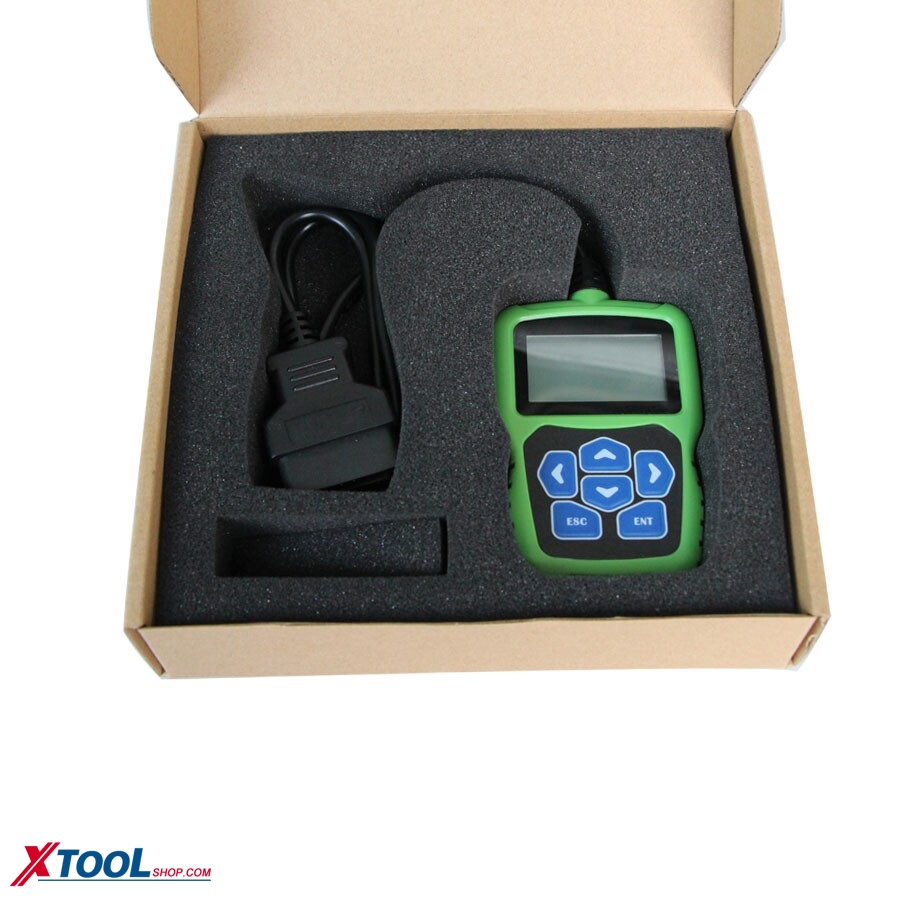
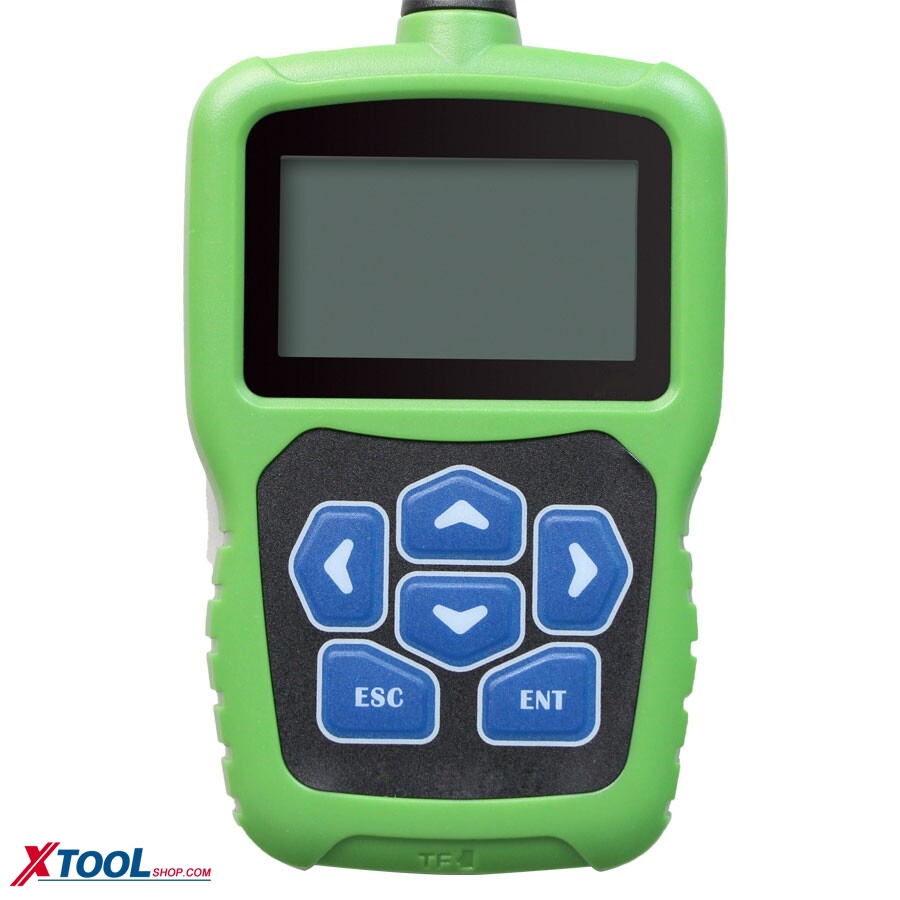
On our website, for the obdstar brand, there are many products And for x100 pro, there are three ones, which one should customer buy? and what is the difference? Today i will show you about the characters among them. Item number SK164 SK164-B SK164-C Different Function IMMO+Odometer+OBD Software IMMO+OBD Software Function Odometer+OBD Software Function Update Online Online…
Read more

Full Package Configuration OBDSTAR X300 PRO3 Key Master

Top 4 Reasons to Get the OBDSTAR x300 pro3: 1.Full Package Configuration: Immobiliser + Odometer Adjustment +EEPROM/PIC+OBDII+EPB+Oil/Service reset+Battery matching 2.OBDSTAR X300 PRO3 Language Available: English 3.Software Update: Free update online for 1 year on official website 4.OBDSTAR X300 Pro3 function including F-100 Mazda/Ford Auto Key Programmer OBDSTAR X300 PRO3 Advantages:…
Read more

Odometer Adjustment and OBDII New Product X300M

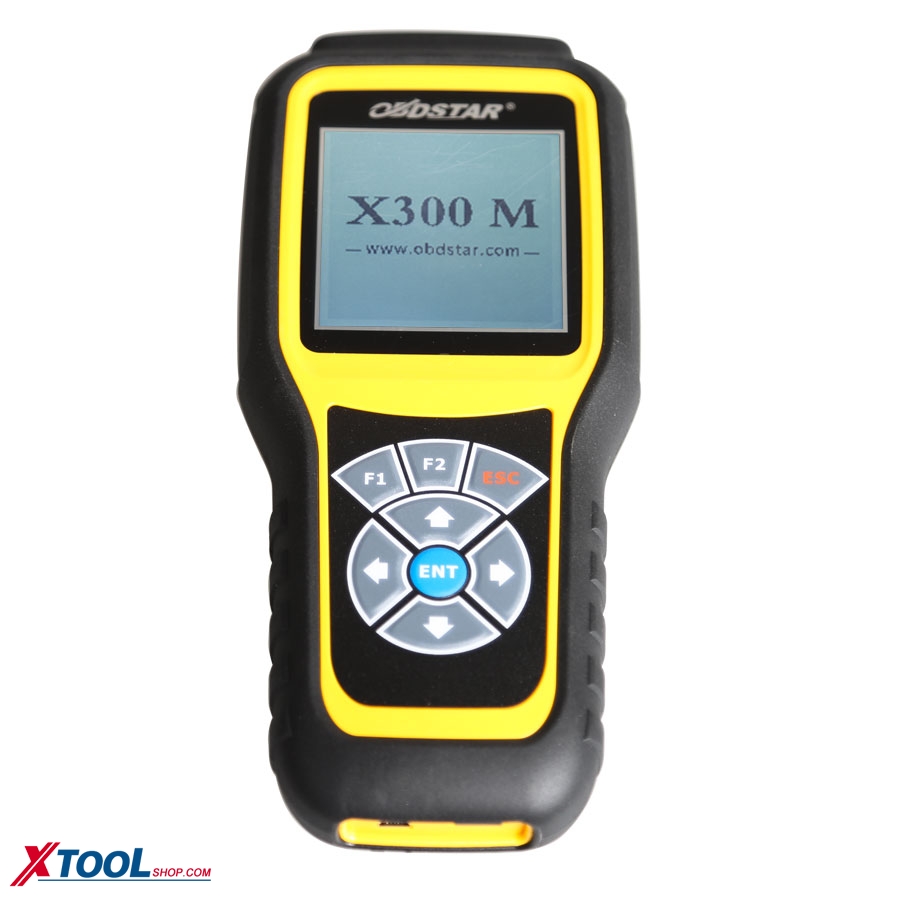
OBDSTAR X300M Software update: Free update for 1 year on official website www.obdstar.com Language: English X300M is another new odometer adjustment tool launched by OBDSTAR. It’s designed completly according to industrial standard.It’s easy to take away and shockproofed. OBDSTAR X300M Vehicle Coverage: AUDI/VW/SKODA/SEAT, BENTLEY, BENZ, BESTURN, CHRYSLER(CHRYSLER/DODGE/JEEP), CITROEN, FORD, FIAT,…
Read more